

How to add translated overrides
1
Create or edit an automatic discount
Navigate to your discount configuration and ensure the discount method is set to Automatic.
2
Find the title override field
Scroll to the tier settings where you can set an override title.
3
Click the translate button

4
Choose a language
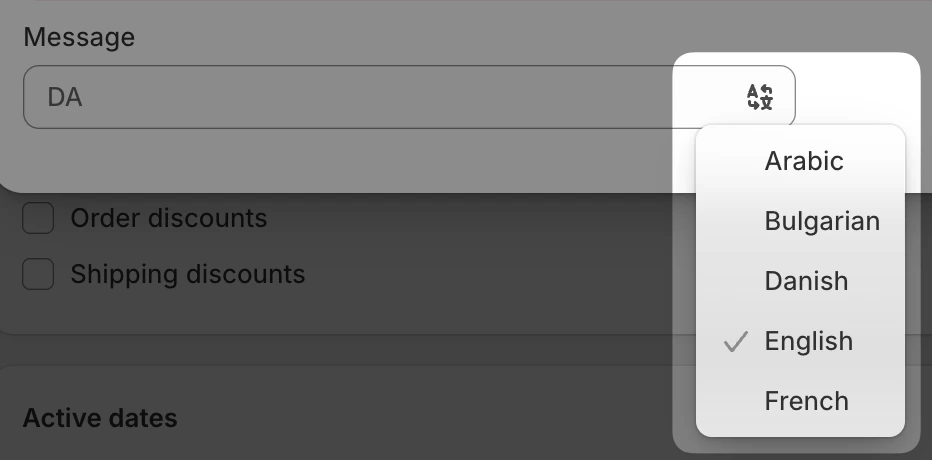
5
Enter your translated override
The field switches to that locale, with the locale code shown as a prefix. Type your translated message. Repeat from the previous step for each language you want to support.
6
Save your changes
Click Save to apply your changes.
Limitations
The following discount configurations cannot be localized:- Manual discount codes: Localization is only available for automatic discounts. Manual codes use a single title across all locales.
- Discount code titles: When using the discount code method, the code itself and its title cannot be translated.